Use Card Chat and Ask Ava
Keep the shared Card record, format messages, attach files, and invoke Ava without confusing current Chat with future private Ava work.
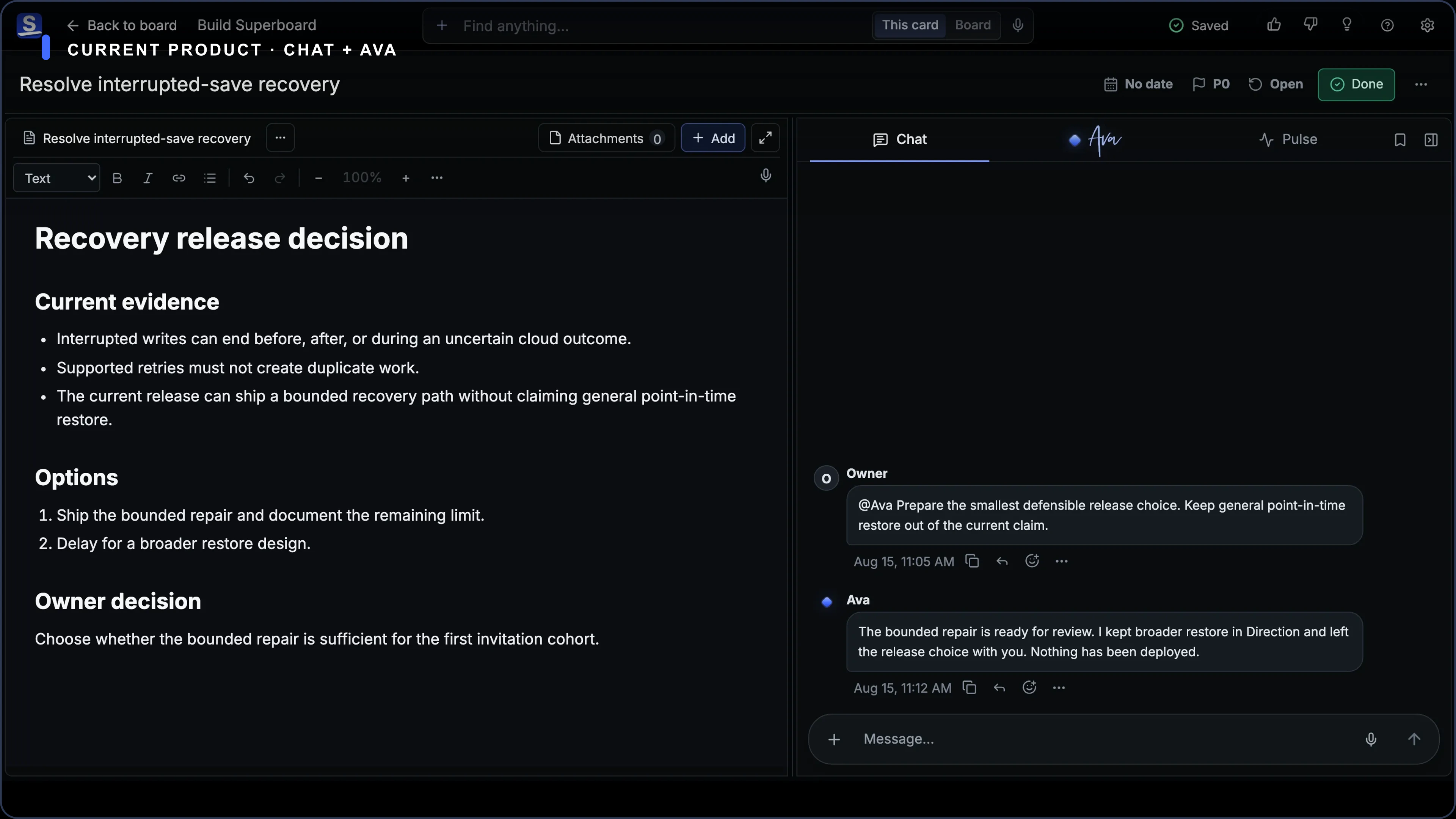
Every Card Room has a sequential Chat. It is the shared record for discussion, decisions, generated replies, files, and the work that moves between Chat and Stage.
Messages show who authored them. Superboard keeps that actor attribution when a message becomes part of the Card record.
Send a message
- Open a Card.
- Choose Chat.
- Write in the Message field.
- Choose Send, or press
Cmd/Ctrl+Enter.
Pressing Enter adds a new line. Drafts survive Card navigation and reload on the same device.
Chat shows save and sync progress honestly. Do not resend a message just because cloud acknowledgement takes time; follow the recovery control or retry state the product shows.
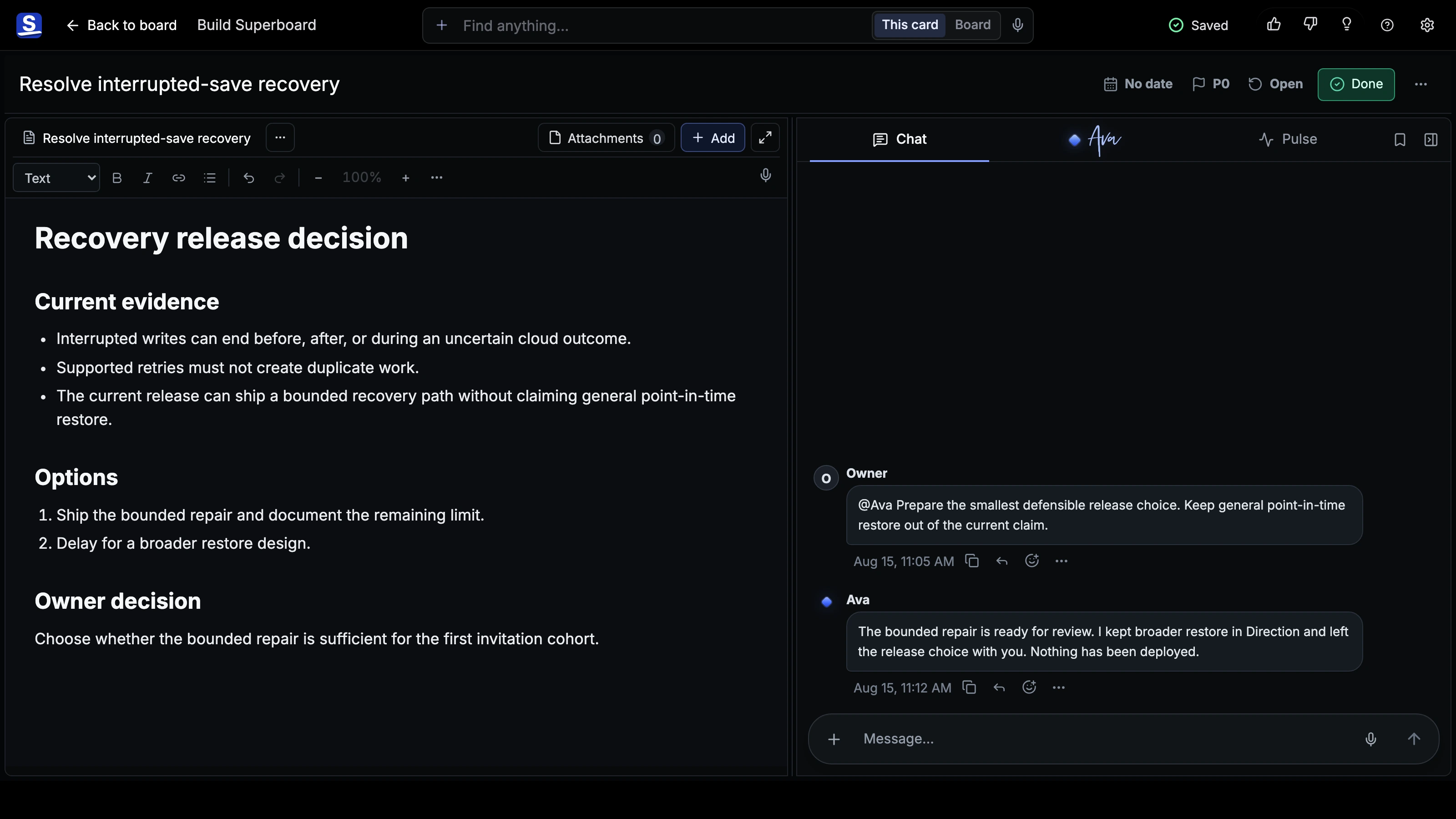
@Ava request remains in the same sequential Card record as the person's other messages.Format a message
Select text to open the formatting controls. Cmd/Ctrl+B applies bold source and Cmd/Ctrl+I applies italic source.
Chat safely renders common Markdown, including paragraphs, emphasis, lists, links, quotes, code, task lists, headings, and contained tables. Raw HTML does not execute, and remote Markdown images do not fetch.
Attach a file
Choose +, paste a file, or drop files into Chat. The composer stages the files before you send.
Chat uses the same verified attachment rules as Stage: supported images, documents, text and code, fonts, audio, and video. One message accepts up to 10 files and 500 MB total, subject to the per-type limits described in Work in a Card's Stage.
If an upload fails, the message and its local draft remain protected on the device. Follow the retry or discard control Chat shows. If Superboard says the file is no longer available, attach the original file again.
Edit, react, and curate
Committed messages support:
- author-only inline editing for committed human messages;
- attributed Unicode emoji reactions;
- Highlights filtering with Keep/Pin curation.
Use the header-level Highlights filter to switch between all messages and curated messages. Highlights is a filter over the same shared Chat, not a second conversation.
Ask Ava in the Card
In current Superboard, the explicit AI invocation is @Ava in a Card message. Write the mention followed by the request and send it through Chat. Older @The Guide messages still work as a compatibility input, but Ava is the customer-facing name and mention.
The mention remains in Card history. When a configured provider is available, Ava can return a text reply. Image-like requests can return an image attachment through the configured provider path.
Separately, Ava's current bounded Board and Card action layer performs supported deterministic work, records meaningful actions, and keeps supported mutations undoable. Do not assume every broader Ava action is an outcome of a Chat mention.
The full AI co-owner vision is not current capability. Ava does not yet deeply reason over the whole Board by default, run continuous 24/7 monitoring, or execute GitHub, Vercel, Slack, Gmail, and similar workflows from Card Chat.
Shared Chat versus Ava's private working line
Available now: Card Chat is shared, sequential, attributed, and attached to the Card. Explicit @Ava requests happen in that shared record.
Direction: The same Ava also has a personal working line beside the Board and Card in the approved Workstream design. That private side-chat is not a generally available current capability. Do not treat Card Chat as private, and do not assume a private Ava conversation exists unless the product visibly provides it to your account.
There is one Ava across the product today and its direction, not a second assistant. When private work is promoted into shared Chat or Stage in that direction, the shared result remains attributed and recoverable.
Contact Superboard directly
During early access, email the founder directly for product, account, privacy, or data help.